PenguinVEVO
Glod Menbie
-
Joined
-
Last visited
Everything posted by PenguinVEVO
-
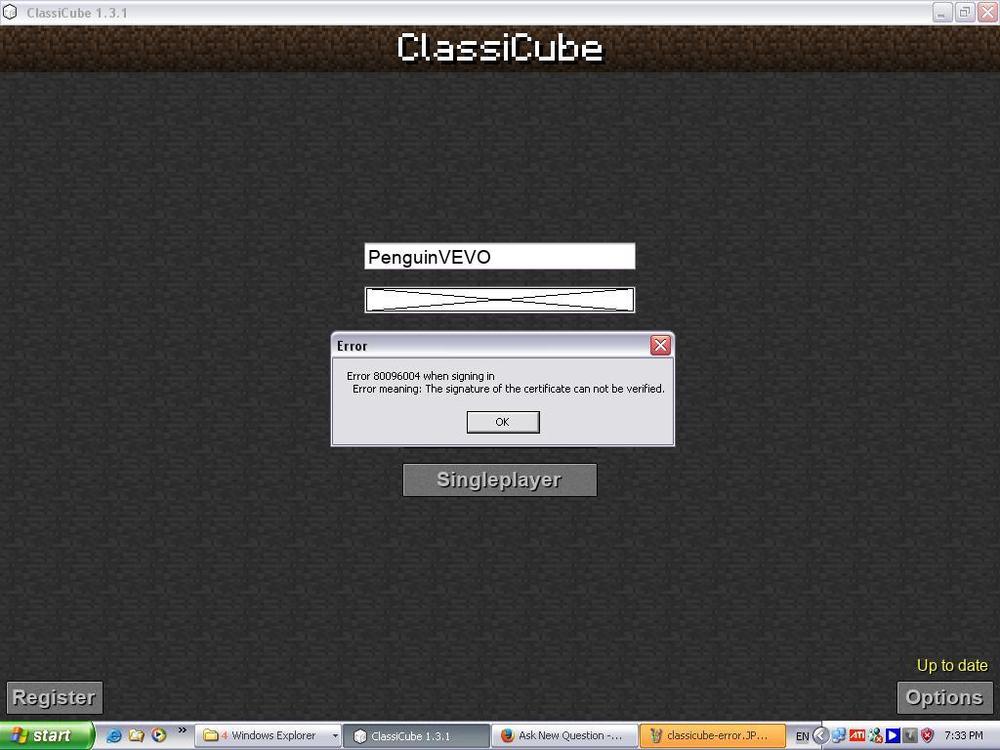
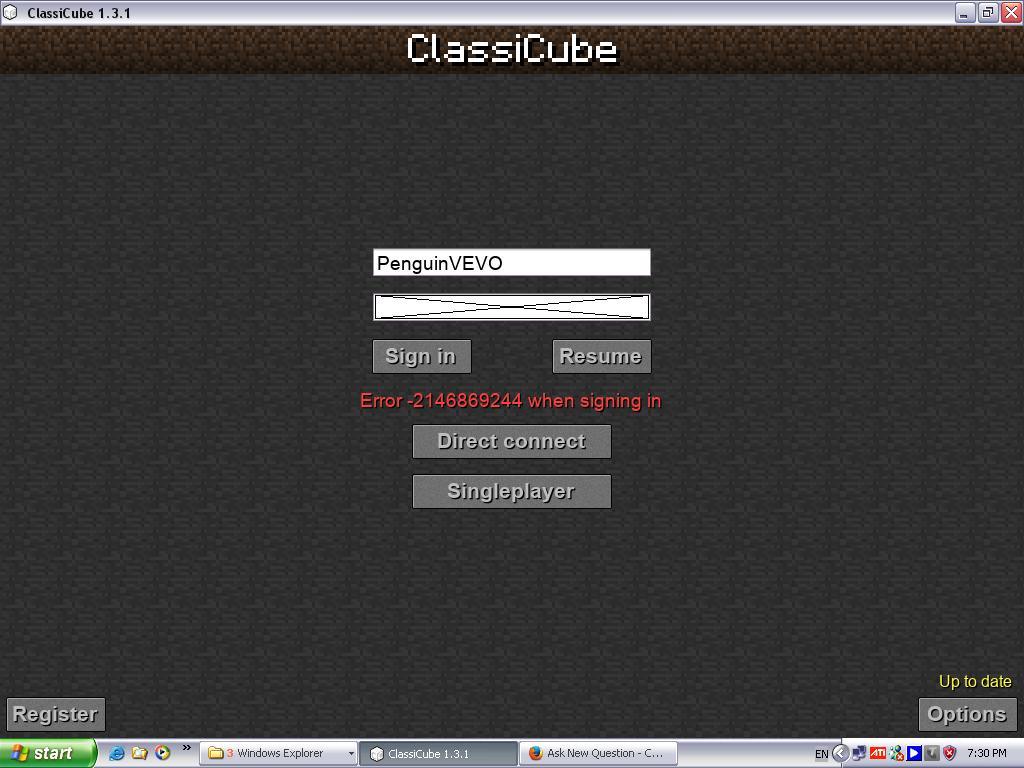
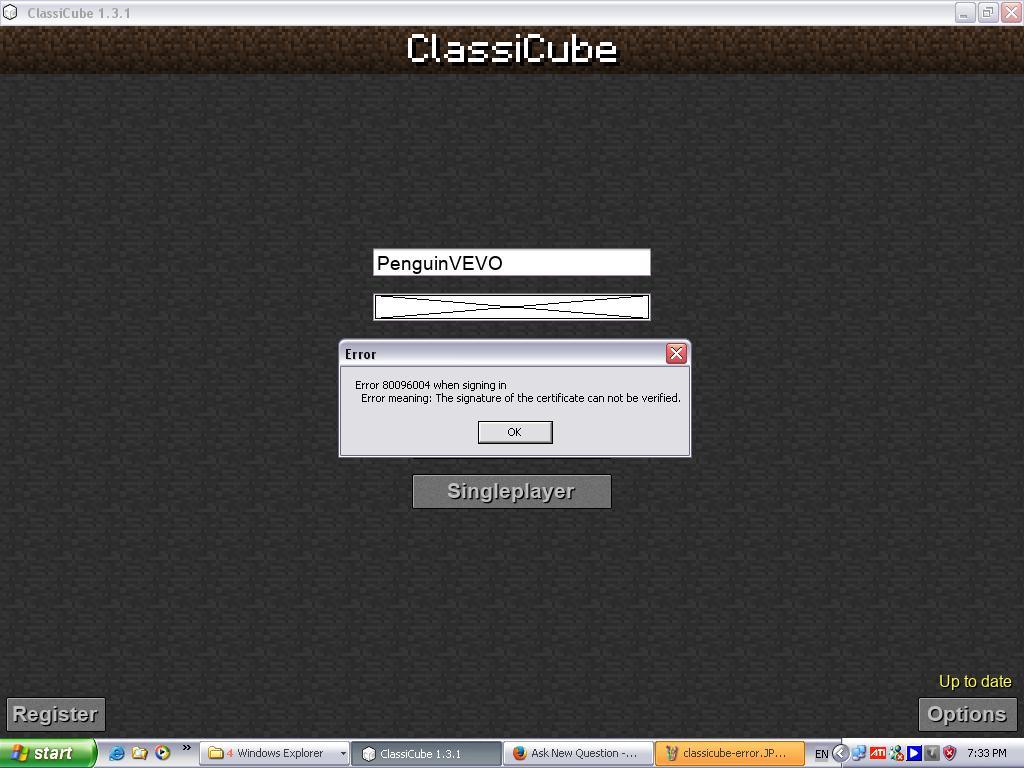
 Hello, I need some help on this. So I installed ClassiCube on my old Windows XP system to try out, and I can't seem to log into my account with the 32-bit launcher as it just comes up with the two errors shown in the pictures below. I've verified that the password is correct and the internet connection is working just fine, in fact I'm creating this topic from the same system. I can't seem to find a fix for this error. If anyone knows a solution to this problem, please help me. Thank you for your help, PenguinVEVO