hissingcreepzer9
Member
-
Joined
-
Last visited
-
 WOW THAT WORKED NOW I HAVE A LINK. Can someone test this link to see if it gets on a server?http://www.classicube.net/server/play/7012d85b17cf1bb326da5d16944aeaed/
 -
I have google wifi.Any other solutions
-
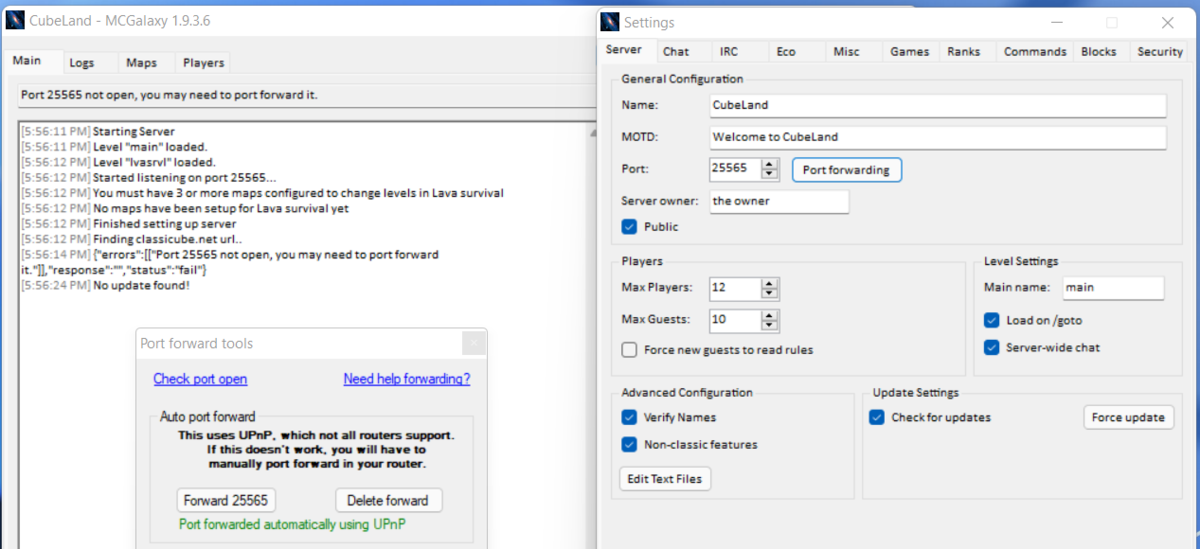
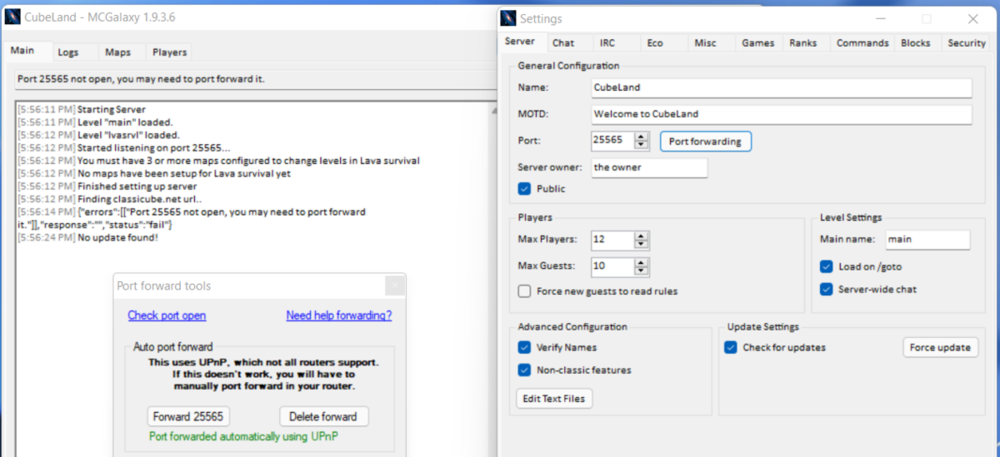
I need help creating a server. Whenever I create a server I get a error message (port 25565 not open, you may need to port forward it) and see what I did in that little box over there. It still shows that stupid error when I restart the server. This is frustrating and I have tried this on so many ports. Any help? Plus the McGalaxy page does not include even some help for this problem.
-
Oh thats what had happened to the servers
-
I just came online on classicube and found out that servers were missing from the server list that existed some time ago Here are the servers that I used to play on with a different account(that account I forgot the password and that email got hacked) na2 survival Mastorlazorx idk the ful name of the server ClassiBuild