Calx
Glod Menbie
-
Joined
-
Last visited
Everything posted by Calx
-
 Guys, I haven't been keeping up with this ClassiCube for a very long time. It was built on Not Awesome 2. Thanks for the very nice comments, but I don't think this project will be finished, or atleast not by me. I'm really sorry if I kept anyone waiting for nothing. Still, thank you so much for the comments.
 -
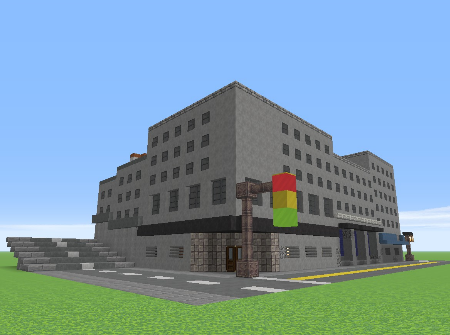
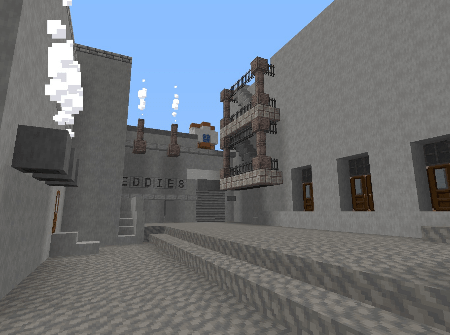
Yeah, I'm actually doing it. I am going to have to split it into two seperate ingame maps, because it unfortunately doesn't fit on one. Maybe, when it's done, I am going to add missions from the original game. Wish me luck lol Here's the small part of what I have finished: Original game: My take: