



Icee_
Glod Menbie
-
Joined
-
Last visited
Everything posted by Icee_
-
 It uses the same atlas as base classicube/minecraft for it's hotbar textures... Some servers texture these places, others don't... NA² looks good with it, and the base classic textures also have hearts.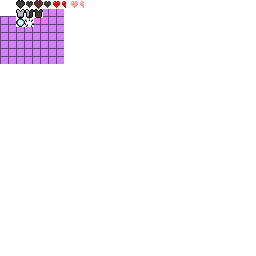
-
Cool stuff, I remember messing with this last year (made my own shader files and such), but reshade is unfortunately only usable on windows... An actual, real shader pipeline would be cool...
-
Ultimately i want it to be functional on all servers, regardless of if it's "enabled" or not, so i wanted to steer away from making a server-specific plugin for most of it's functionality. I don't exactly know where I want to take this yet... but updating it is still in my mind.
-
Scope could be cool, but the magic of plugins as they exist right now still has to be appreciated... The API might be limited, but I like it. There's something special about how plugins exist solely on top of an unmodified client and can still be as powerful as they are. On the other hand... porting shaderpacks to classicube WOULD be awful cool and would only be possible from a modloader....
-
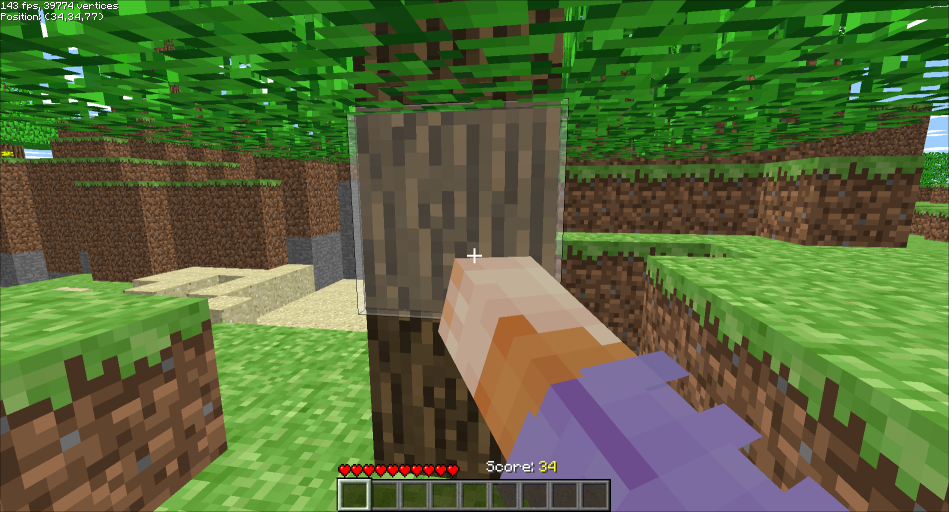
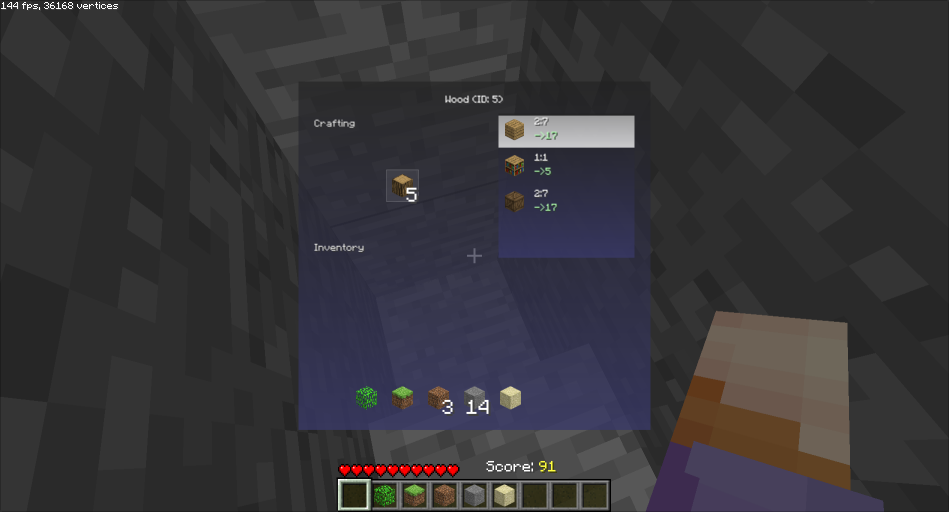
I've already shared this around on NA² discord and such, but thought this would be an appropriate post to mark off my return to the forums, as well as to show those of you who are unaware... Survival in ClassiCube is real now... Generally based on survival test c0.28, custom inventory handling and world save storage. I tried to keep it as kosher as possible for usage on servers but there are some edge cases where it can do bad things, like reloading your last save when you shouldn't be able to restore your position (parkour or adventure maps usually...). Servers can easily block it by kicking players with "+survival" in their appnames. You can punch your friends if they have the plugin as well, and death is handled appropriately. GitHubGitHub - xIcee/CC-SurvivalTest: multiplayer compatible Su...multiplayer compatible Survival Test plugin for ClassiCube - xIcee/CC-SurvivalTest
-
-
counterargument: zelda 2
-
I was just going through servers, and I found a map with blocks I really like. I love the textures with it, but I was hoping I could take out the textures and modify them. Since the world is saved in .cw format, I can't really figure out what to do! Can anybody help me?
-
Hey, I've been on this platform for a while (under different accounts, like AlphaPlays_607 and Alpha_), and I was wondering if there was a way to change your username. I just realized how VACANT all of the good names are.





