


Jump to content
View in the app

A better way to browse. Learn more.

ClassiCube Forum

A full-screen app on your home screen with push notifications, badges and more.

To install this app on iOS and iPadOS
  1. Tap the Share icon in Safari
  2. Scroll the menu and tap Add to Home Screen.
  3. Tap Add in the top-right corner.
To install this app on Android
  1. Tap the 3-dot menu (⋮) in the top-right corner of the browser.
  2. Tap Add to Home screen or Install app.
  3. Confirm by tapping Install.

LG125

Glod Menbie
  • Joined

  • Last visited

About Me

I don't hate cube2009guy, it's just his posts. I'm a random guy that builds in the freebuilds part of servers and when I'm done, I'll probably make a poll to see if you like them. I also play brick-hill and Mopaiv. I will be making a YT channel soon with the same name. I think that's all I have to say.

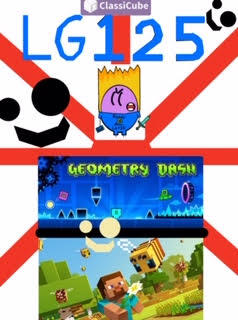
Ik that my cover photo is very pixely, but there is nothing I can do about it, cuz it's a PNG.

Trying to get a good com rep. 

I know I said that I don't hate cube2009guy, but I am starting to hate him.

Not gonna share any other personal info.

Configure browser push notifications

Chrome (Android)
  1. Tap the lock icon next to the address bar.
  2. Tap Permissions → Notifications.
  3. Adjust your preference.
Chrome (Desktop)
  1. Click the padlock icon in the address bar.
  2. Select Site settings.
  3. Find Notifications and adjust your preference.