Jerrykillsfitz
Glod Menbie
-
Joined
-
Last visited
Everything posted by Jerrykillsfitz
-
 I want to make my own server, but it says that im doing something wrong on the register. Maybe its this box the that I'm doing something wrong in. What does it say anyways? Whats the name of the ______. I can't see the rest of what it is supposed to say.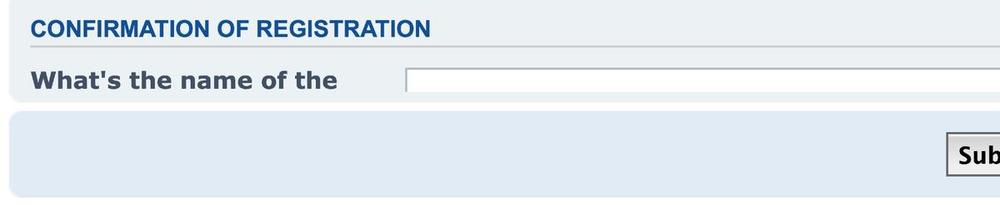
-
http://www.classicube.net/server/play/6e064460b12cdb8d0dfacd08fb2ec8be/ I had a really huge build (it was a castle) in this server. It was in a map called "gungame". It had a swimming pool on the roof and a library on the second floor. It was my best build by far. I wasn't even done with it when today, Sunday, February 21, 2021 I tried to go there to work on my build a little bit more, when it said that it was a private server and that I couldn't go there. This really bummed me out. I had no other build like that, and I don't want to start ANOTHER one. Is there some way that I can get in there to work on my build? That would really make me happy if I could go back there to work on my build. -thanks for reading this