



pizzawizard32
Member
-
Joined
-
Last visited
Everything posted by pizzawizard32
-
 just go to control settings and fix the controls to your liking
 -
they said that survival mode will not be added anytime soon in classicube in the guidelines https://f.classicube.net/guidelines/ Don't ask for survival mode, because it will not be added. If you still ask anyways - immediate 1 week ban.
-
the classicube website says: "Keep in mind the Android version is in early alpha. It will likely crash, freeze, perform poorly, etc." source: https://www.classicube.net/download/#dl-android
-
-
the 3ds version of classicube is in early alpha thats why it keeps freezing and crashing. source: https://www.classicube.net/download/3ds "Keep in mind that the 3DS port is in early alpha. It will likely crash, freeze, perform poorly, etc. Please report any issues you encounter on the ClassiCube discord."
-
same thing happens when i play lava survival on 3DS but yeah its just the same android issue.
-
THIS. literally THIS. This is what we need, or maybe a global feature like my friend Ice_pancake said
-
-
Acer Aspire E5-471PGCPU: Intel Core i5-4210U (x64) GPU #1: Intel Graphics Family GPU #2: NVIDIA GeForce 840M RAM: 4GB (changing soon) Display: 1366x768 @ 60 Hz in 14" [Built-in] (changing soon) Keyboard: Built-in (changing soon) HDD: 500GB I will update this when I change specs
-
late happy bday mine was november 16th lol
-
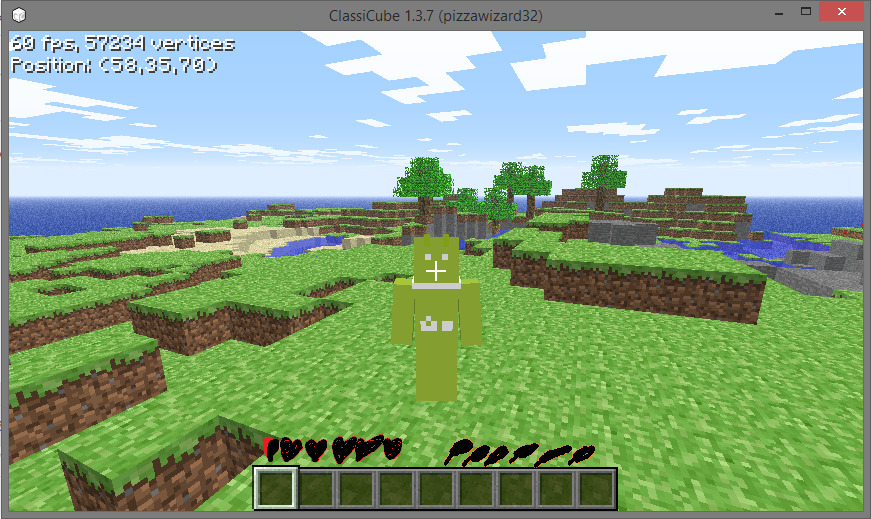
you should add creative mode like why do we only have SURVIVAL mode we need CREATIVE mode i wanna build stuff grrrr also this game so hard make it easier plz im on low hp :((((
-
-
-

