Jump to content
View in the app

A better way to browse. Learn more.

ClassiCube Forum

A full-screen app on your home screen with push notifications, badges and more.

To install this app on iOS and iPadOS
  1. Tap the Share icon in Safari
  2. Scroll the menu and tap Add to Home Screen.
  3. Tap Add in the top-right corner.
To install this app on Android
  1. Tap the 3-dot menu (⋮) in the top-right corner of the browser.
  2. Tap Add to Home screen or Install app.
  3. Confirm by tapping Install.

yopogecc

Member
  • Joined

  • Last visited

  1. yopogecc changed their profile photo
  2. im bored lol and im playing on the wii
  3. i think mods dosent exist on classicube,maybe u can ask how to make textures?
  4. how do i explain,uhhh,a downloadble web not from a client?
  5. howdy,it would be cool if u added the web install thing (its on the image),its alright if you cant do it i have it installed on my wii,hope it helps ;)
  6. thanks but my computer reads the sd card as read only even when its not im on a chrome book btw,i cant put the file :/
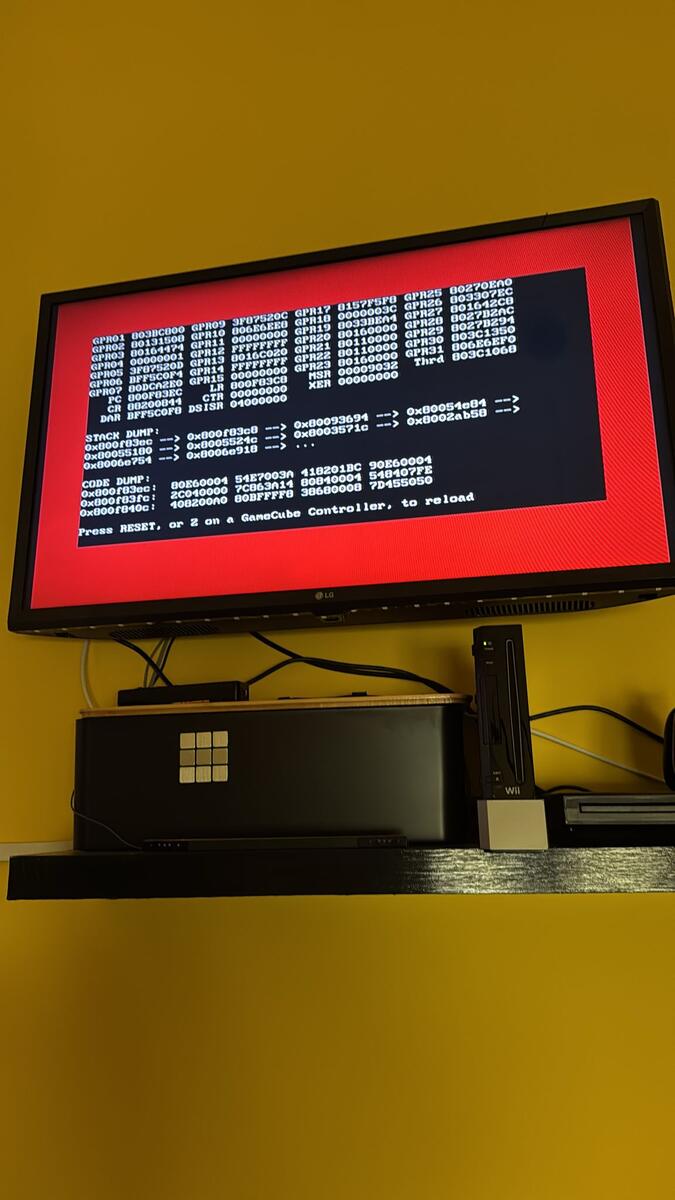
  7. when i rejoin or join another server it freezes,btw im on a normal wii

Configure browser push notifications

Chrome (Android)
  1. Tap the lock icon next to the address bar.
  2. Tap Permissions → Notifications.
  3. Adjust your preference.
Chrome (Desktop)
  1. Click the padlock icon in the address bar.
  2. Select Site settings.
  3. Find Notifications and adjust your preference.