Jump to content
View in the app

A better way to browse. Learn more.

ClassiCube Forum

A full-screen app on your home screen with push notifications, badges and more.

To install this app on iOS and iPadOS
  1. Tap the Share icon in Safari
  2. Scroll the menu and tap Add to Home Screen.
  3. Tap Add in the top-right corner.
To install this app on Android
  1. Tap the 3-dot menu (⋮) in the top-right corner of the browser.
  2. Tap Add to Home screen or Install app.
  3. Confirm by tapping Install.

trainadroogon

Member
  • Joined

  • Last visited

  1. trainadroogon changed their profile photo
  2. Gateway Laptop, GWTN141-10, with the screen falling off.
  3. It's just something I made out of boredom, don't expect it to be any good.
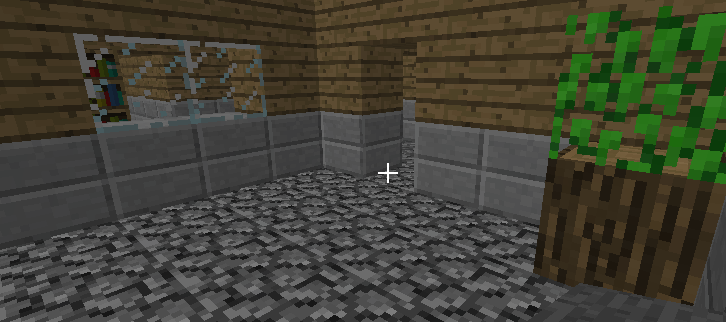
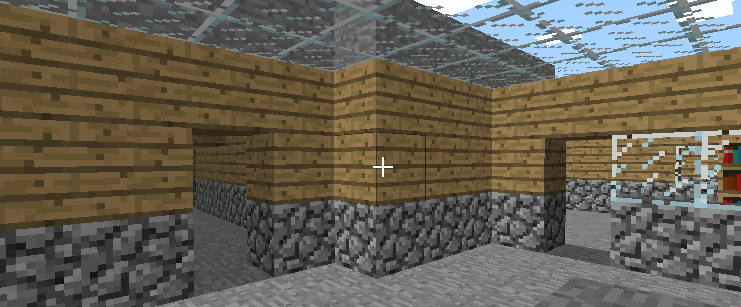
  4. WORLD'S WORST ADVENTURE MAP Recently, in my free time I chose to attempt to build some form of an adventure map. But, since I don't have any plugins, it's more of 2 floors of maze and some basic parkour at the end. Despite this, I'd rather put it here for other people to try than to just let is sit on my laptop and rot. Here's the some photos: The beginning of the map is at the gold block at (56, 32, 39) See if you can get through without cheating :) Escape the mansion.cw (I also hid some iron blocks around the map! try to find as many as you can)

Configure browser push notifications

Chrome (Android)
  1. Tap the lock icon next to the address bar.
  2. Tap Permissions → Notifications.
  3. Adjust your preference.
Chrome (Desktop)
  1. Click the padlock icon in the address bar.
  2. Select Site settings.
  3. Find Notifications and adjust your preference.