themario3330
Member
-
Joined
-
Last visited
-
 themario3330 changed their profile photo
 -
Previously, I had done the texture half-heartedly (that's why it was of very poor quality). Now, I've refined some things, such as updating the sapling texture to a better one that doesn't have the annoying white background. Several textures have been added, such as the wood texture, mineral ores, the bookshelf, and the iron block, and many more. Enjoy! sm64ReTex.zip
-
I think that if you set the graphics to low, you won't have as many visual glitches.
-
Heya, this is part 2 of my maps and textures (I'll upload part 3 soon) classic free edition.cw ThE NeThar 3 .cw palid.zip Simple Design.zip
-
<font dir="auto" style="vertical-align: inherit;"><font dir="auto" style="vertical-align: inherit;">Diferente.zip</font></font><font dir="auto" style="vertical-align: inherit;"><font dir="auto" style="vertical-align: inherit;">Diferente.zip</font></font>I apologize for the delay; this is the first part of the maps and textures I made while I was inactive. THE NETHER.zip Bookmace.cw FREEBackrooms .cw
-
-
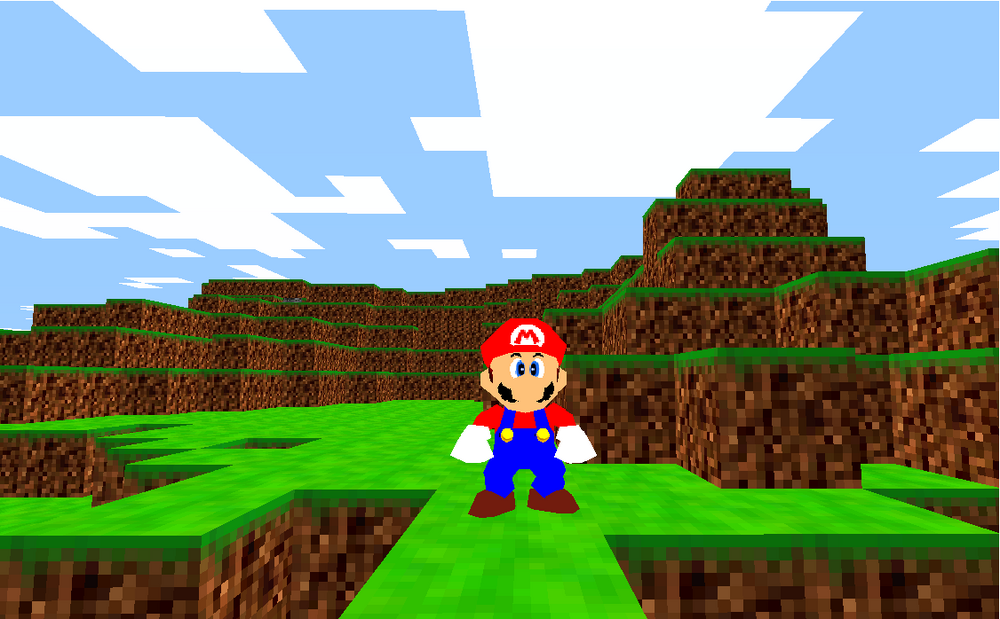
Yes, the human can move, it's Mario who can't move. If I try to move him, the camera simply teleports and returns to its normal state (that is, it doesn't move, it just tries to move). Mario can interact with lava and water, but he can't move. And no, my account isn't the problem; the plugin only works in WinRAR. Apparently, when I tried adding my Classicube account directly to an unzipped version, it worked. Sorry. I tricked you. And that wasn't my intention.
-
-
I've found out what the problem is. I tried a fresh installation of the 32-bit version of ClassiCube. I put the plugin and the ROM inside the folder, and it worked perfectly! Mario was playable, and there were no errors. The issue appeared the moment I logged into my ClassiCube account. As soon as I signed in, the game instantly crashed with the same error as before. In summary, the plugin works perfectly on my machine, but it fails when I log into my account
-
-
In short, the plugin doesn't work because I use a toaster. All I know is that I have Service Pack 1. I think it's possible to create a better-optimized version of the mod, knowing that I use a toaster (it's not a toaster, I just call it that because of its small size and components) and that I don't use a graphics card, but an Intel Celeron. Imagine that. Also, the plugin is very comprehensive, so it might never work. I don't know if you're the creator of the plugin, but could you create a more optimized version? I think my laptop (I use one) can't run the plugin.
-
-