



Adamwanderer226
Member
-
Joined
-
Last visited
Everything posted by Adamwanderer226
-
 It didn't work for me I think, I did everything right, I loaded the DLL and then made a "blockorder" world with the proportion of 19, 1000, 153 but I made the world type "Empty", and I tried to rearrange 3 blocks for testing, with 1 block spacing. also sorry if the image is way too large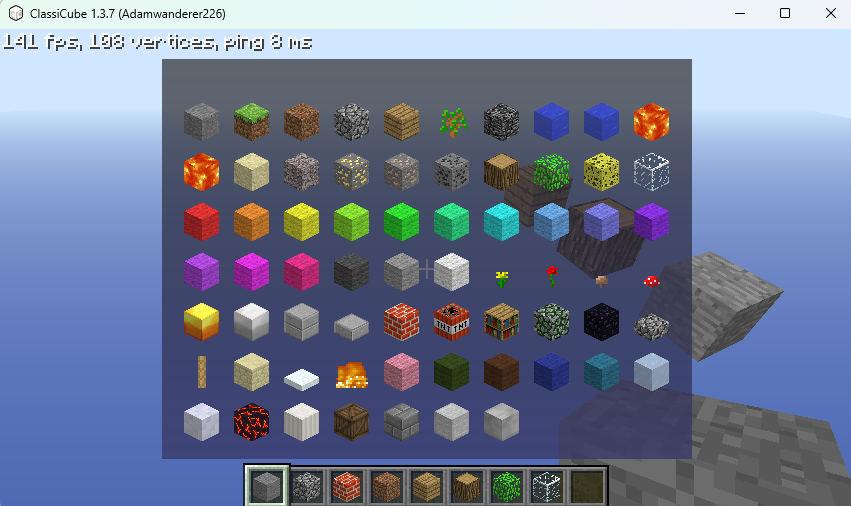
-
So, I made some custom blocks in my server (MCGalaxy) and want to rearrange all the blocks, but I don't know how to do it. Is it a command or a plugin?