ZhimaJi
Member
-
Joined
-
Last visited
Everything posted by ZhimaJi
-
 The operating system for LARPers.
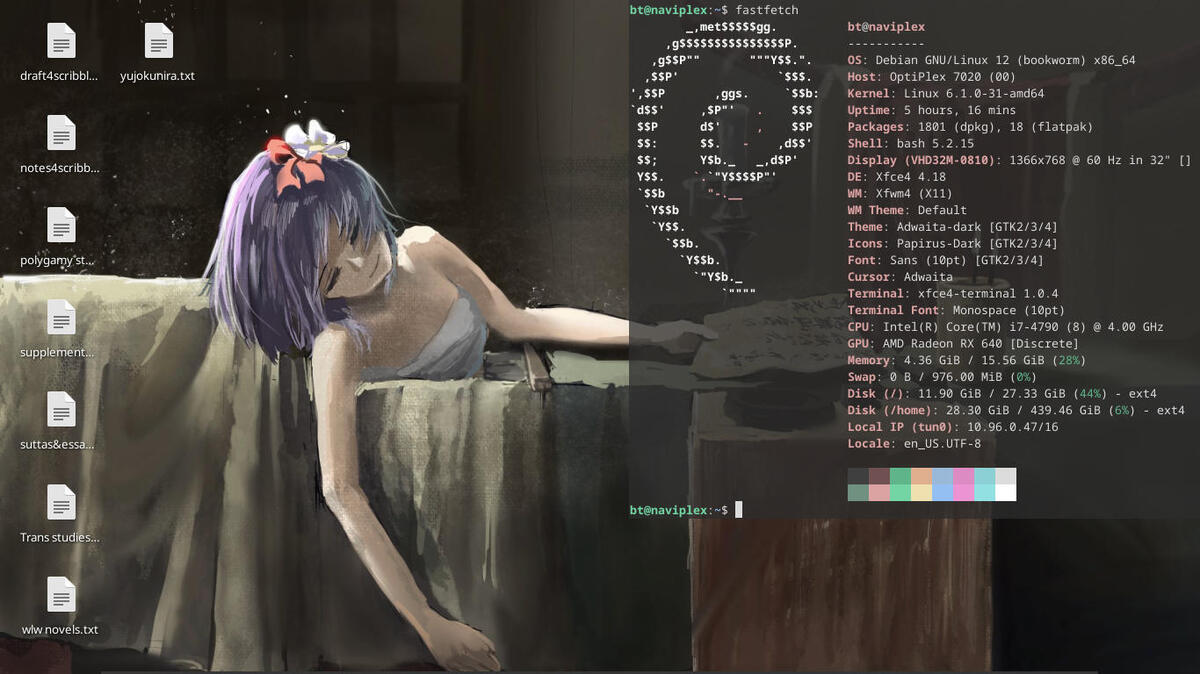
Can't say I could tell you the best computer operating system, but I have had a good time using Debian 12, which is my current OS. I liked MX Linux, which I used before, but had some issues with specific things. Didn't have a good time with Linux Mint, and the Windows operating systems get called Wangblows for a reason.
The operating system for LARPers.
Can't say I could tell you the best computer operating system, but I have had a good time using Debian 12, which is my current OS. I liked MX Linux, which I used before, but had some issues with specific things. Didn't have a good time with Linux Mint, and the Windows operating systems get called Wangblows for a reason.