pepe929292
Member
-
Joined
-
Last visited
Everything posted by pepe929292
-
 I got bored and decided to make a Classicube server, just wondering why my mono arguments are not working, e.g "mono MCGalaxyCLI.exe --argument", I use Debian, and I use custom software (basically tunneling TCP) for port forwarding my home server to a VPS because I don't wanna port forward my home. I have tested the connection to Classicube server from the Web client and it works, I changed the arguments shown in the Javascript, that was on the HTML of Classicube Web client. I changed the argument just to change the IP address of the VPS's.
 -
Hello, I need some guidance on how to make my own proxy if possible. Sometimes the proxy provided from classicube can introduce latency or be banned. It's not possible to play directly via http on my browser, so would like to know any solution to making a proxy, do i need to run up an http proxy to https (standalone software on a server) that allows me to connect? What kind of software does classicube use for this?
-
I guess because somebody did something on the proxy it got banned, wish I could use the http version though I'm assuming bans just disconnect though, never got a ban directly to me Also sorry I F'd up, didn't realize there was a similar question
-
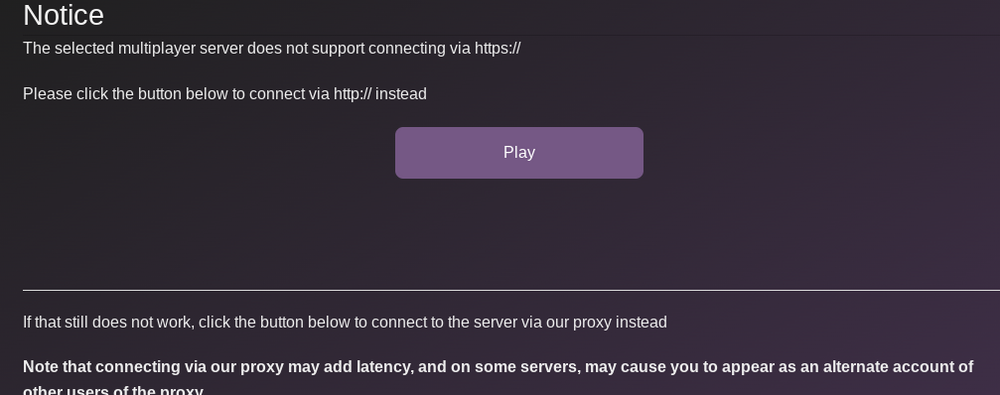
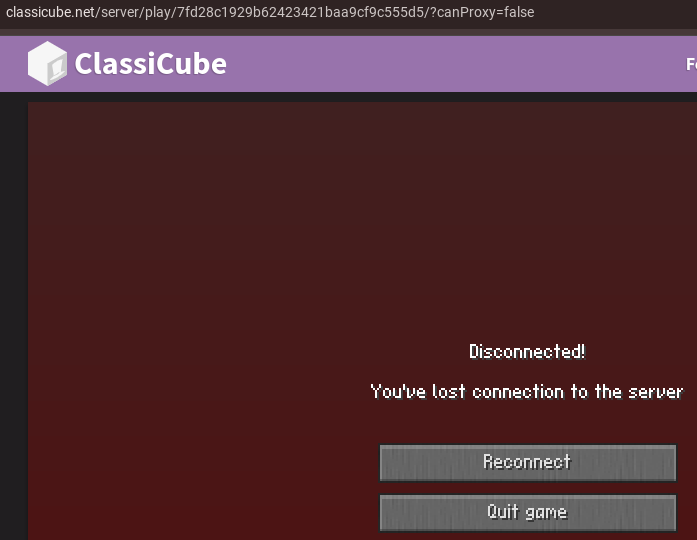
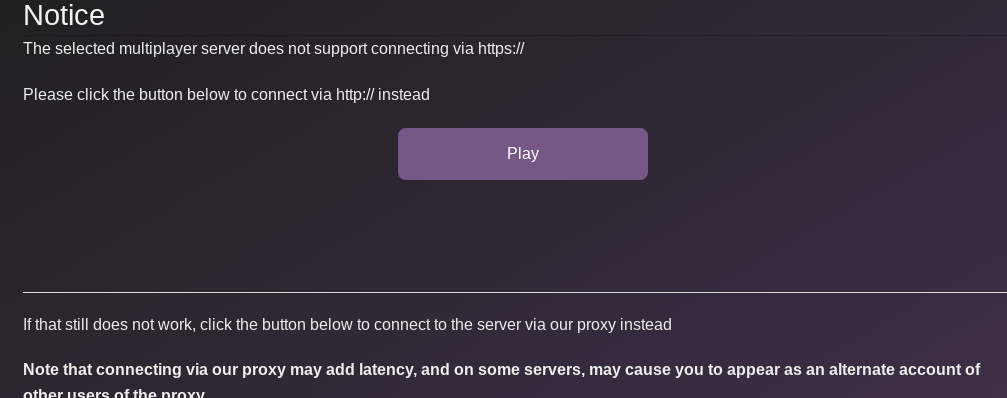
Hello classicube forum, I use the browser version of classicube, and I don't know why pressing play on http version doesn't work, it does nothing. The reason why I do that instead of using proxy is because on the proxy, when I try joining a server (specifically Not Awesome 2 [Realms and More]) it just says "Disconnected! You've lost connection to the server" and when I press "Reconnect" it gives me "disconnected" screen again.