Jump to content
View in the app

A better way to browse. Learn more.

ClassiCube Forum

A full-screen app on your home screen with push notifications, badges and more.

To install this app on iOS and iPadOS
  1. Tap the Share icon in Safari
  2. Scroll the menu and tap Add to Home Screen.
  3. Tap Add in the top-right corner.
To install this app on Android
  1. Tap the 3-dot menu (⋮) in the top-right corner of the browser.
  2. Tap Add to Home screen or Install app.
  3. Confirm by tapping Install.

sneedF

Member
  • Joined

  • Last visited

Everything posted by sneedF

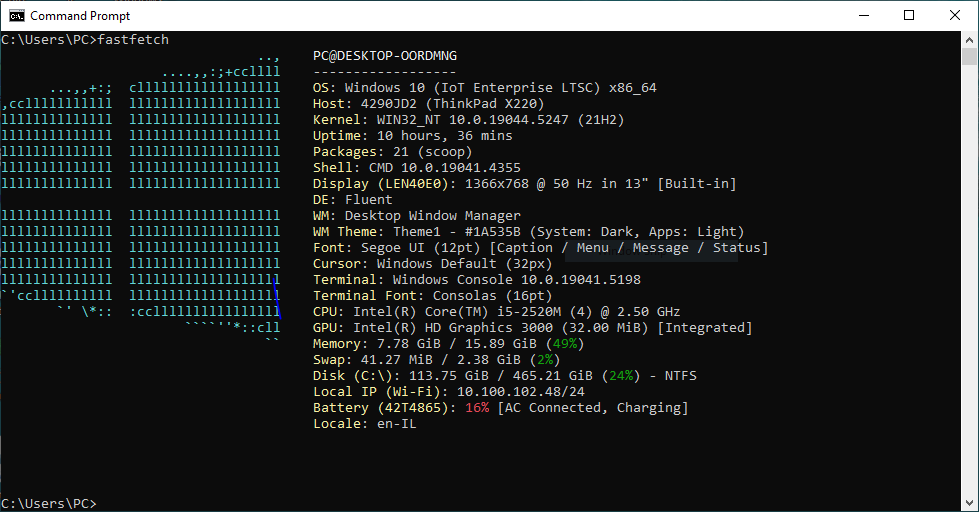
  1. i love my thinkpad x220
  2. in modern minecraft plugins they refer to accessing net.minecraft.server package, instead of the API wrapper of it, within Bukkit/Spigot as NMS. you can do lower level stuff with it
  3. I'm working on a project to mod the original server.jar for Classic to work with Classicube auth and add modern features like CPE and plugins that have access to NMS I called it "Fukkit" because there's no reason to do this since better server software exist, and it implements an API similar to bukkit check it out lol https://github.com/amir16yp/Fukkit-Server


Configure browser push notifications

Chrome (Android)
  1. Tap the lock icon next to the address bar.
  2. Tap Permissions → Notifications.
  3. Adjust your preference.
Chrome (Desktop)
  1. Click the padlock icon in the address bar.
  2. Select Site settings.
  3. Find Notifications and adjust your preference.