



X_Xsprees
Member
-
Joined
-
Last visited
-
 X_Xsprees changed their profile photo
 -
Villager / 10
-
And if i cant have mono how can use mcgalaxy or other console of CC.net
-
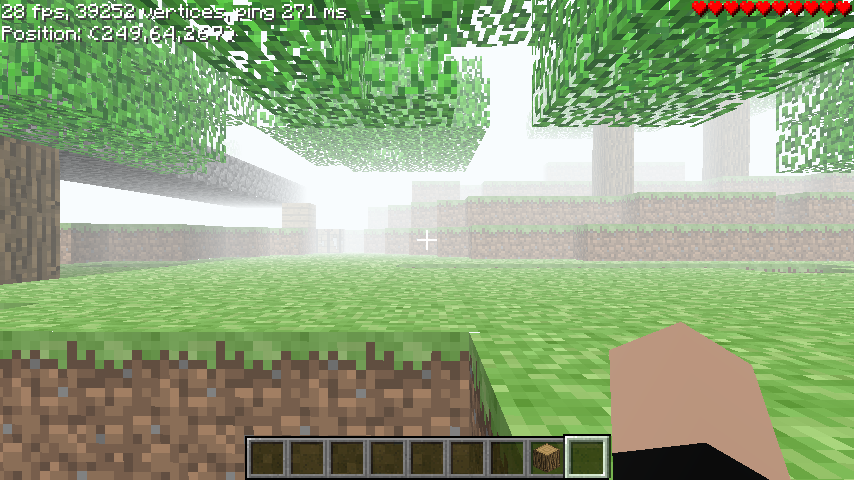
is like the herobrine screenshot?
-
-
Hello, i want to know if in Linux i can have a server, cuz the .EXE archives cant open
-
Che ninga nos tenemos que reunir con gj
-
-
And if use a hotkey?
-
idk why translate i think what is cuz have translator open fack creo q hice el mapa para nada
-
I do, it's not my fault that you're usually not there when I say it.
-
The event will probably be on Thursday at 3pm (Argentine time) 1pm (Washington D.C., District of Columbia, USA) the winner will be determined by three judges (no preferences) the judges are: Kilgorezer, X_Xsprees and (one missing) the winner will have between 100 and 400 NA2 coins
-
somebody want play in my event? in NA2 is of builds, who win have 100 or 200 coins or 300
-
-
1. You must be over 13 to use this site what age old must be to can play CC
-
so, is possible but need people all days all day ? (and a good pc) but who know of puglins or plugins




