Onwin98
Member
-
Joined
-
Last visited
Everything posted by Onwin98
-
 Colors became purple and white. Sorry for late response.
 -
Tried using the nightly build. Completely broke the game. It literally just broke. Reverted back to the old one. Didn't work lol.
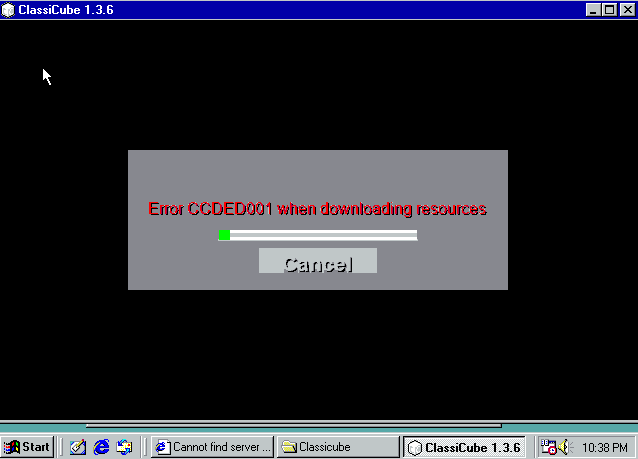
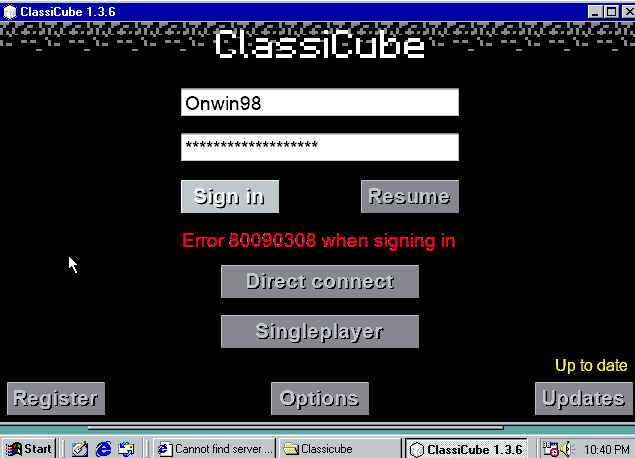
-
I created my account and downloaded ClassiCube on my win98. When I launched ClassiCube (and I clicked yes for the 19.2mb thing) it gave me this: After that I went to classic. It went to the login screen. I put in my stuff and it gave me this: And a error message just saying the same thing ClassiCube said. Anyone know how to fix this? EDIT (new problem): Unable to open the options.txt file when I click on classic+hax. Enhanced and classic work perfectly fine tho. Also it's unable to load the sounds when it starts up and it kinda just gives a long white bar after it says.